WiFi Sense was originally launched as a Windows Phone 8.1 feature that has been promoted to the Windows 10 PCs. This feature allows you to share WiFi network access using your Facebook, Outlook and Skype contacts. When turned on, WiFi Sense works in background and looks up for the open WiFi networks that your PC can use for running internet. So, if you visit a public place with open WiFi or your friend’s home, your device will automatically detect the open internet and use it. Thus WiFi Sense does these things on its own and saves you from the hassle of providing tiny details. When you connect to a WiFi network in Windows 10, you’ll have the option to make your internet “shared with your contacts.”
The Microsoft forum lists its primary features as follows:
- Automatically detect and connect you to the open WiFi networks.
- Accepting the WiFi network’s terms of use on your behalf.
- Allowing you to exchange password protected access with your contacts and get the internet access without sharing the password.
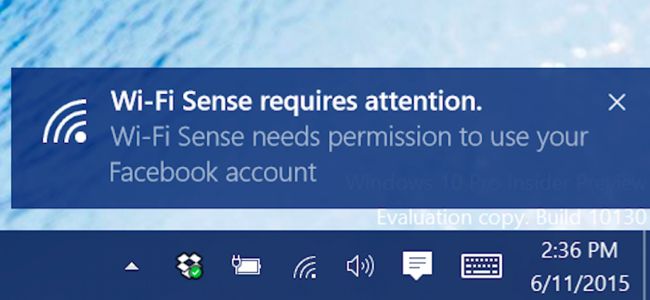
Now, let me tell you something more about it. WiFi Sense can make use of your Facebook, Skype and Outlook accounts and download any networks that are being shared with you. It allows your PC to determine who your friends are and who are ready to share their internet with you.
Another thing, Microsoft doesn’t ask for your permissions to access the Skype and Outlook contacts as these services are owned itself by Microsoft.
How to enable or disable WiFi Sense?
To configure WiFi Sense, you need to go to Settings and select Network and Internet.
Then head to WiFi and find Manage WiFi Settings.
Here you can enable or disable WiFi sense on your Windows 10 PC. Apart from this, you can choose the sources that will be used by Windows 10 to share the Internet with – Facebook, Outlook and Skype.
To stop Windows 10 from sharing your WiFi password, you need to uncheck all the boxes you see in “Manage WiFi Settings.”
Note: If you choose to share your internet with your contacts, keep in mind that this sharing is “indiscriminate.” It will share your internet with ALL your friends.